Migrating Legacy PHP Sites Without Breaking Business Operations
Learn how to move from legacy PHP to modern stacks without downtime or data loss, with strategies for parallel runs, feature flags, and rollback plans.

At DigiForge, we've seen too many legacy PHP migration projects go sideways — not because the technology was hard, but because the business kept running during the move. The word "migration" itself comes from the Latin for moving from one place to another, and in computing it specifically means "to begin using a new computer system, or to move information from one type of system to another" [1]. That sounds straightforward, but when you're migrating a PHP monolith that handles orders, user sessions, and payment integrations, the real challenge is making sure your customers never notice a thing.
Assess Before You Touch a Line of Code
Before we even think about writing new routers or installing a modern framework, we audit the existing application — not just its code, but its runtime behavior. Start with a thorough inventory of all entry points: every route, every cron job, every queued task. Legacy PHP apps often have hidden endpoints — maybe a cron.php that runs payroll every Sunday, or a custom API endpoint used by a third-party shipping service. If you miss one, the migration will break something.
Pro tip from DigiForge builds: Set up a reverse proxy that logs every request for a full week before you touch production. This captures traffic you never knew existed — including bots, internal monitors, and that one integration the previous developer forgot to document.
During the audit, also document the data flow: how does the old application connect to the database? Are there stored procedures? Is there a shared filesystem for uploaded images or session files? Many legacy PHP apps rely on file-based sessions, which don't scale horizontally. That's a red flag we address early, often by migrating sessions into Redis or a database.
Choose a Migration Strategy That Matches Your Risk Tolerance
At DigiForge, we usually recommend one of three strategies, depending on how much risk the business can stomach.
The Big Bang Rewrite
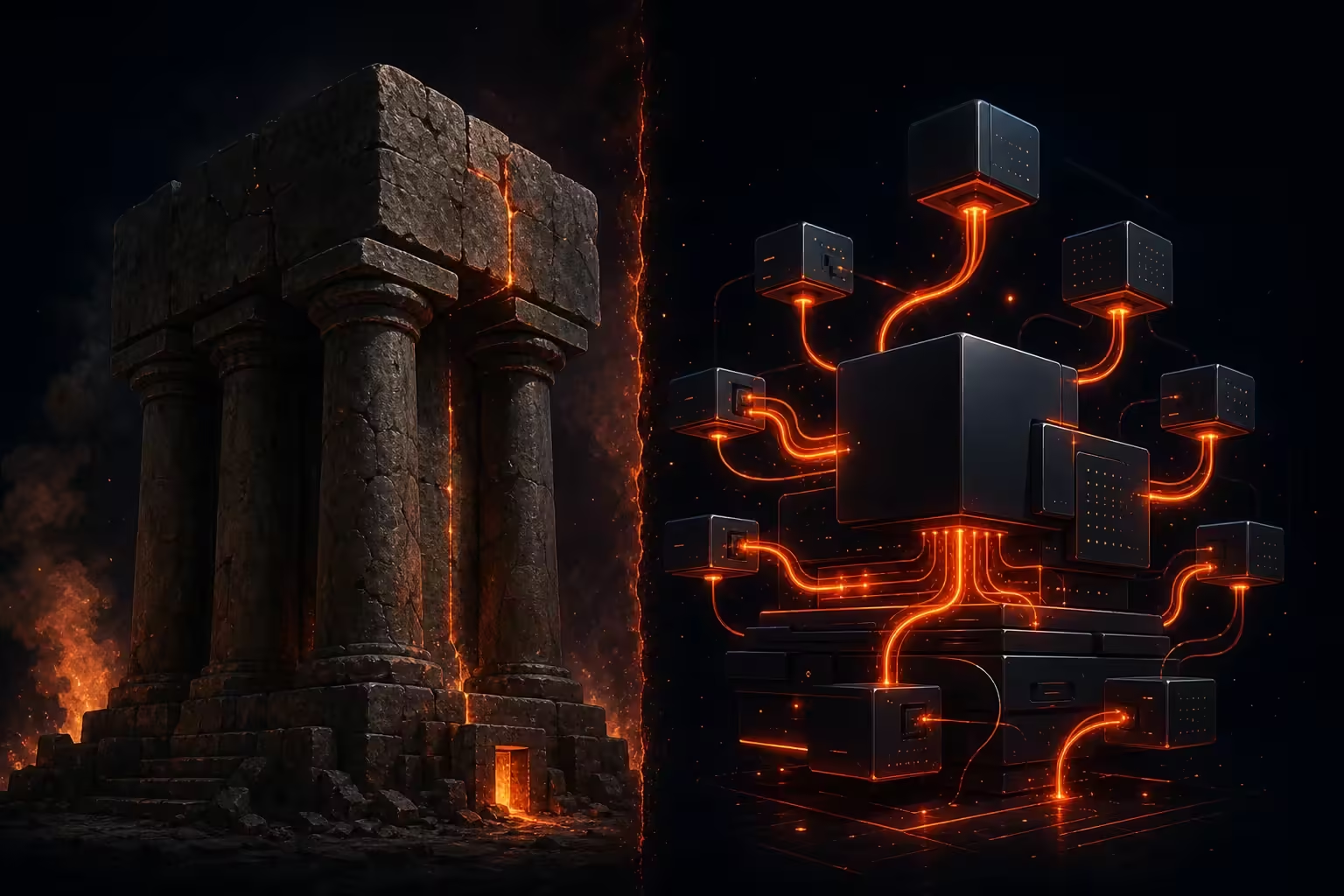
This is the most dramatic: you build the new system from scratch, then switch over in one go. It's also the riskiest. We've seen it work only when the legacy app is small (think a few dozen pages) or when the business can tolerate a planned maintenance window. For anything with real-time transactions or 24/7 customers, avoid this approach.
The Strangler Fig Pattern
Named after the tropical plant that slowly envelops its host, this pattern lets you replace pieces of the legacy app incrementally. You route specific URLs or API endpoints to the new code while the rest still runs on old PHP. A load balancer or reverse proxy (like Nginx or HAProxy) can direct traffic based on the request path. Each piece you replace reduces risk because you're only changing a small surface area at a time. We use this pattern in nearly every large migration.
Feature Flags Everywhere
Even with a strangler fig, feature flags give you a kill switch. If the new checkout endpoint throws errors, you flip a flag and traffic goes back to the old code — all without a deploy. Tools like LaunchDarkly or a simple database-driven toggle work well. We code everything behind a flag, even the database connection. That way, we can test a new query in production with just a few users before rolling it to everyone.
Execute the Migration with Zero Downtime
Zero downtime doesn't mean zero risk — it means the user never sees an error page. The key is dual-writing: when you move to a new database schema or a different storage backend, write data to both the old and new systems simultaneously. Start by writing to both, reading from the old. Once the new system has caught up and you've verified data integrity, switch reads to the new system. Finally, stop writing to the old system. This works for databases, queues, file storage, and even API integrations.
<?php
// Example: dual-write to old and new databases
$legacyDb = getLegacyConnection();
$newDb = getNewConnection();

function saveOrder($orderData) {
    global $legacyDb, $newDb;
    // Write to both
    $legacyDb->insert('orders', $orderData);
    $newDb->insert('orders', $orderData);
}

// Read from legacy until we verify new data
function getOrder($orderId) {
    global $legacyDb;
    return $legacyDb->fetchOne('SELECT * FROM orders WHERE id = ?', [$orderId]);
}
During the dual-write phase, you run reconciliation scripts every few minutes to compare the two stores. Any divergence is caught quickly. Once the new system matches for a full business cycle (usually 48 hours), you flip reads. Monitor error logs closely for the next hour — if anything looks off, flip back.
Handling Session State
Legacy PHP often uses $_SESSION stored in files. A new Laravel or Symfony app likely expects database or Redis sessions. To keep users logged in during the migration, we implement a session bridge: the old app writes sessions to both files and a shared Redis store; the new app reads from Redis. Once the migration is complete, you turn off the file writer and remove the old session handler.
Post-Migration Validation and Rollback Planning
Even with careful planning, something will go wrong. That's not pessimism — it's engineering realism. Before you flip the final switch, write a rollback plan that includes restoring DNS records, reverting database schema changes, and spinning up the old application from a snapshot. Practice the rollback in staging at least once.
At DigiForge, we always keep the old production environment running for at least two weeks after a major migration. The cost of a few extra servers is trivial compared to the cost of a failed rollback that takes hours.
Validation goes beyond checking that pages load. We run automated business transaction tests: place an order, update a profile, process a refund. Compare the output of critical API endpoints between old and new. If you use a monitoring tool like New Relic or Sentry, set up custom alerts for any 5xx errors or slow queries. Finally, involve the business team — have them run their daily workflows on the new system in a staging environment before you go live.
Common Pitfalls and How We Avoid Them
- Assuming the old code is correct. Legacy PHP often has silent bugs that became 'features.' Replicate every behavior? Sometimes it's safer to fix the bug in the new version if the business agrees.
- Forgetting cron jobs and scheduled tasks. Those old
curlcalls to a custom script? They need a home in the new system. We migrate cron tasks to a task scheduler like Laravel's scheduler or a dedicated worker. - Neglecting third-party integrations. Payment gateways, shipping APIs, and partner webhooks send data in specific formats. Test the integration endpoints early — you don't want to discover a format mismatch on Black Friday.
Another lesson we've learned: don't trust the old documentation. The code is the source of truth. We always do a code deep-dive with the developer who wrote the original (if available) or with a team member who has maintained it for years. Their mental model of the app's quirks is invaluable.
Conclusion
Migrating a legacy PHP site is like performing open-heart surgery on a patient who's running a marathon. The risk is real, but the reward — modern performance, security, and developer productivity — is huge. At DigiForge, we've guided dozens of businesses through this process. The key is to move in small, reversible steps, always keep the old system running, and never stop monitoring until you're certain the new system is stable.
Remember: migration is not just about the technology — it's about keeping your business operational while you change the engine mid-flight. Plan carefully, test relentlessly, and always have a rollback ready. Your users will never know anything changed.